Help Center
Place Your Camera Device
Choose a stable spot with a clear view, reliable Wi-Fi, and safe power.
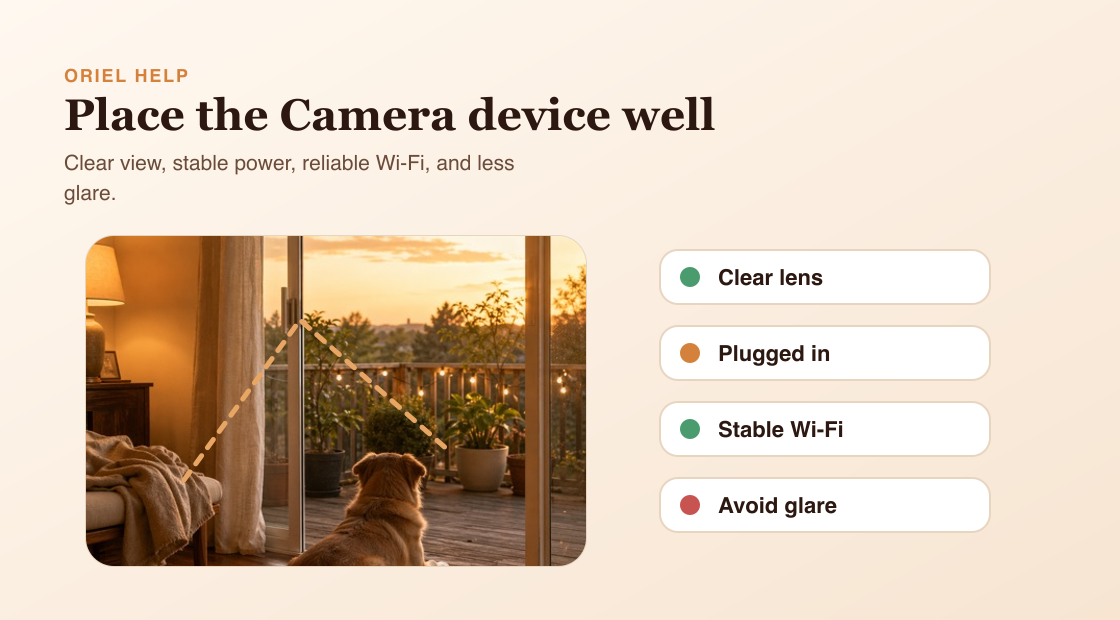
Short answer
Place the Camera device where it has a clear view of the area you care about, stable power, and a reliable Wi-Fi connection.
How it works
Good placement improves everyday reliability for Live View, Motion Detection, Person Detection, Sound Detection, Low Light, and Continuous Recording. It does not guarantee detection accuracy, but it reduces avoidable problems like blocked lenses, glare, heat, and weak signal.
Requirements
- A stable surface or mount.
- Power for long-running use.
- Reliable Wi-Fi at the camera location.
- Uncovered lens and microphone area.
Setup steps
- Choose the main area of interest.
- Place the device on a stable surface or mount.
- Avoid direct sun, heat sources, enclosed spaces, window glare, and reflections.
- Check framing from Live View before leaving the Camera device in place.
Common misunderstandings
- Wider is not always better; a clear view of the right area matters more.
- Placement helps reliability but does not guarantee person detection accuracy.
- Putting the phone behind reflective glass can cause glare and poor results.