Help Center
How Live View Works
How your Viewer device connects to your Camera device for real-time video and audio.
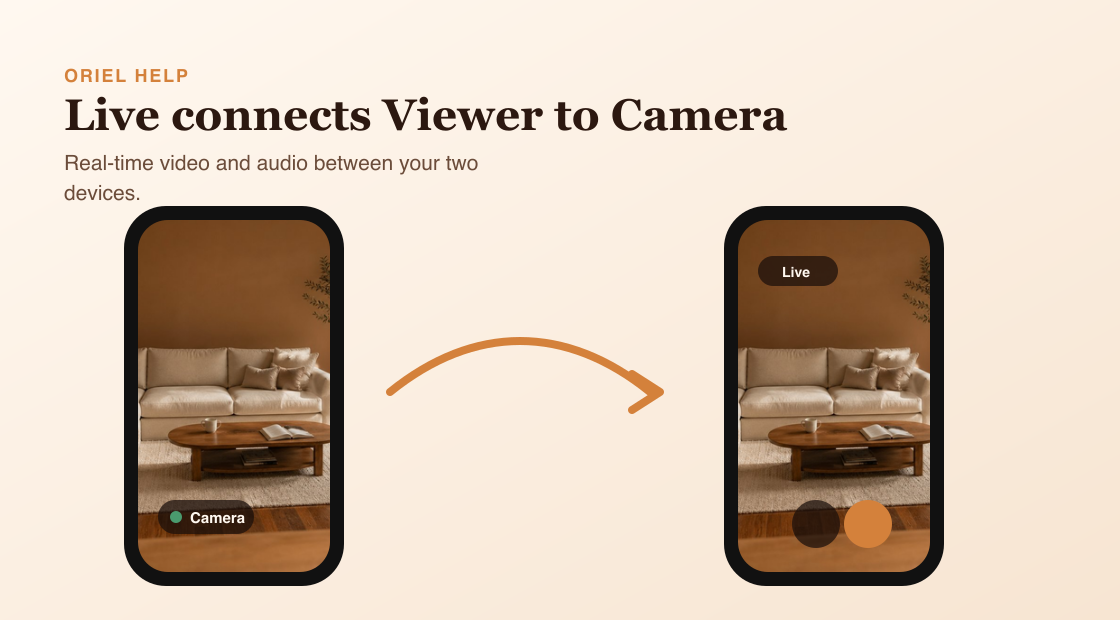
Short answer
Live View connects your Viewer device to your Camera device so you can watch real-time video and audio.
How it works
The Viewer asks the selected Camera device to start a Live session. The Camera accepts the session and sends real-time media to the Viewer. Only one active viewer is supported at a time, so another viewer may interrupt the current Live session.
Requirements
- The Camera device is online and running Camera mode.
- Both devices use the same Oriel account.
- Network conditions allow the devices to connect.
- Microphone permission is needed when you use Push-to-talk.
Setup steps
- Open Viewer mode.
- Select the Camera device.
- Tap Live View.
- Use supported controls such as sound, quality, or Push-to-talk once connected.
Common misunderstandings
- Entering Live View does not always ask for microphone permission; Push-to-talk does.
- Multiple active viewers cannot watch the same camera at the same time.
- Live View is not Continuous Recording playback.