Live view
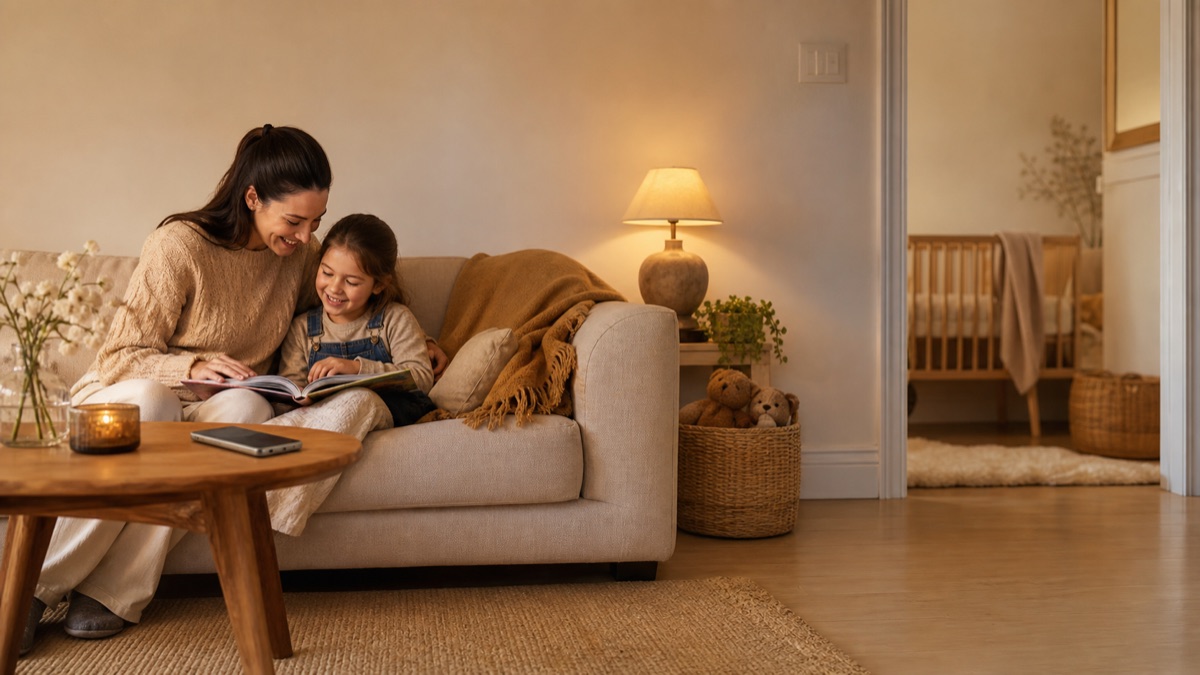
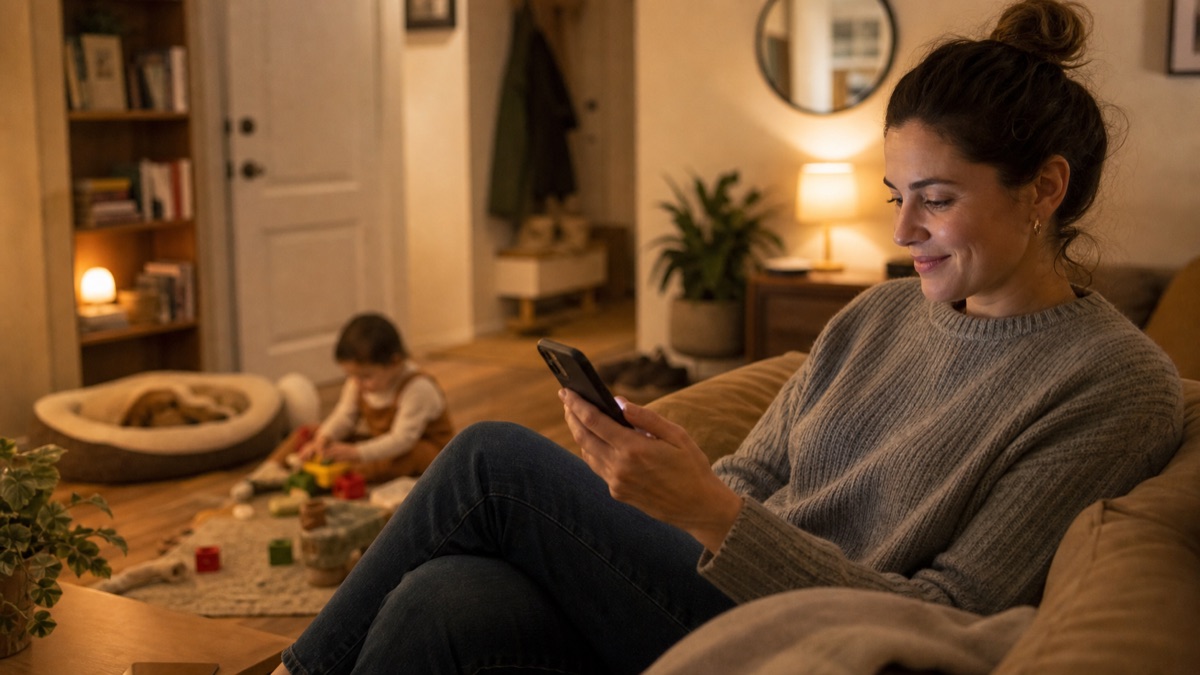
Open the app and check in
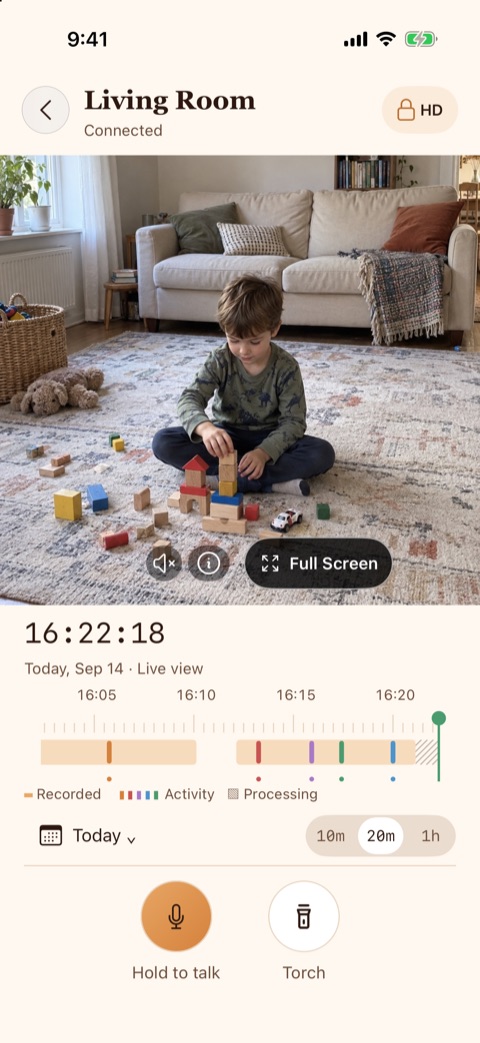
See the room when you need reassurance, without a timer interrupting the moment.

Oriel
Home camera app
A guardian light for your home
Live view
See the room when you need reassurance, without a timer interrupting the moment.
Useful alerts
The camera phone detects motion and checks for people when person detection is enabled.
Playback
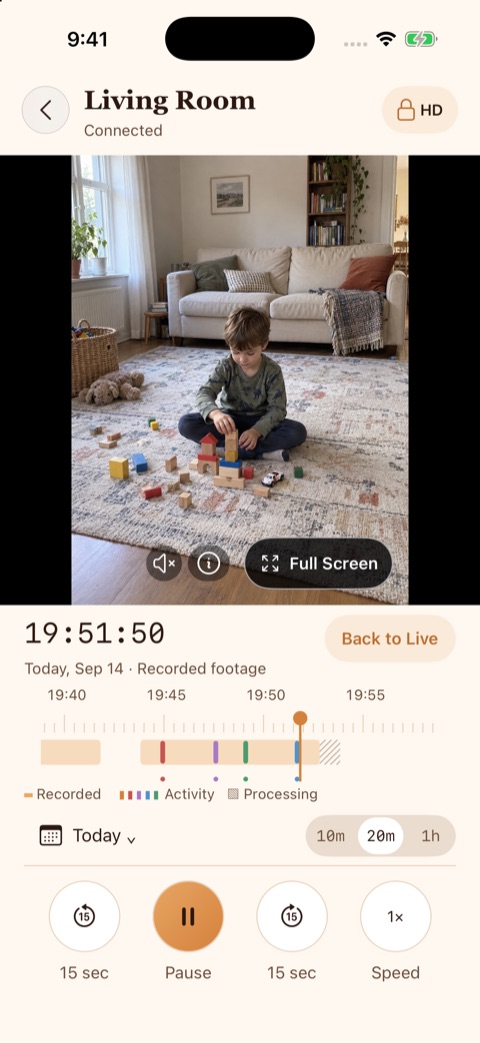
Review recent event recordings without a subscription paywall.
Live viewing is designed around direct device-to-device streaming.
Motion and person detection happen on the camera phone.
Review recent event recordings without needing a subscription.
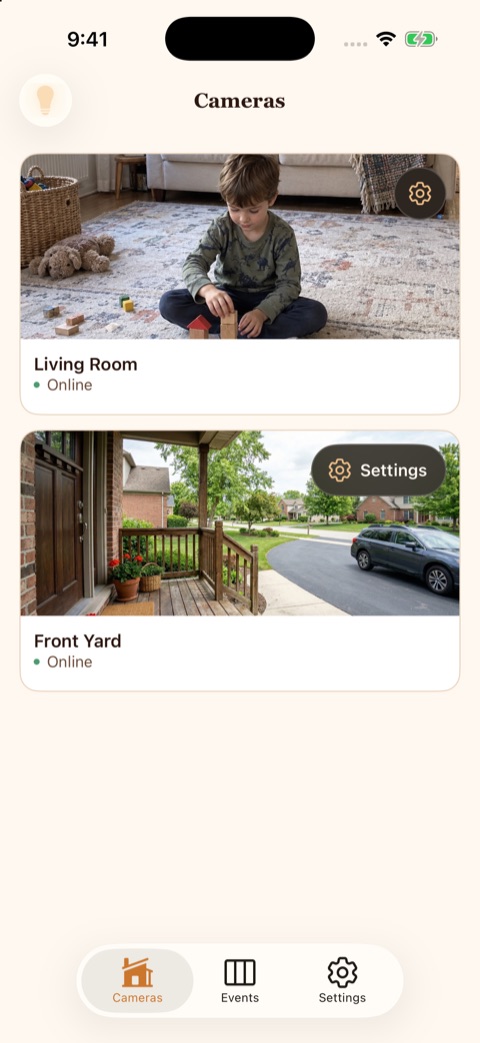
In the app
See the camera list, live view, and recording playback as they appear in Oriel today.
About 5 minutes. Install Oriel on both phones, sign in on the phone you will watch from, then scan the QR code it shows with the camera phone.
Yes. On the free plan, event recordings stay available for 7 days, with no subscription. Premium keeps them for 14 days and adds optional cloud backup.
For live view, Oriel is designed around peer-to-peer streaming between your devices. Recordings and notifications use separate infrastructure.
Ready when you are
Download Oriel on the App Store and set up your first home camera in minutes.
Download on the App Store