說明中心
Motion Detection 與 Person Detection
了解 motion event 與裝置端 person check 如何一起運作。
簡短答案
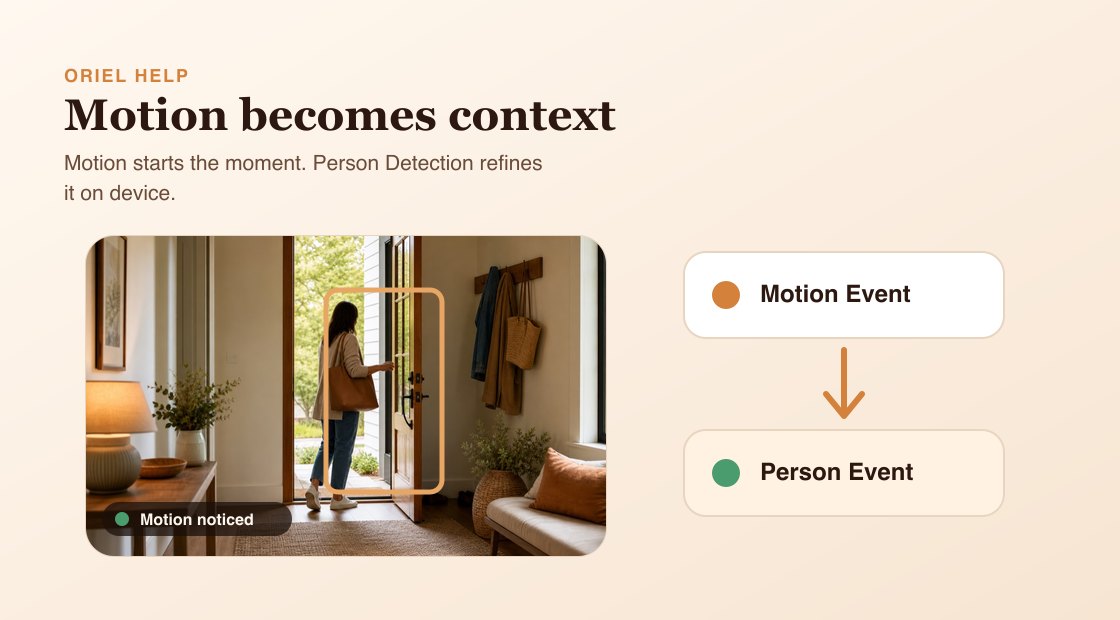
Motion Detection 會尋找畫面中的明顯變化。Person Detection 則在功能可用且已啟用時,檢查該動態是否包含人物。
運作方式
Oriel 會先用 motion 作為第一層檢查,再執行 person detection。這能避免 Camera device 對每一格畫面都跑 AI。若 active motion event 中偵測到人物,Oriel 可以把同一段錄影標記為 person event,而不是建立重複錄影。
需求
- 啟用 Motion Detection 以產生 motion events。
- 需要人物警報時,啟用 Person Detection。
- Person Detection 需要 Premium,且 Camera device 需為 iOS 15 或更新版本。
設定步驟
- 在 Viewer mode 開啟指定 Camera device 的設定。
- 開啟 Motion Detection。
- 在支援時開啟 Person Detection。
- 查看近期 events,確認警報符合你的預期。
常見誤解
- Person Detection 和 Motion Detection 是分開的設定。
- Person Detection 不會把你的 video 上傳到 cloud 分析。
- Detection boxes 是視覺回饋,不是 event history 的來源。