說明中心
Continuous Recording
了解 timeline recording 與 motion-triggered events 的差異。
簡短答案
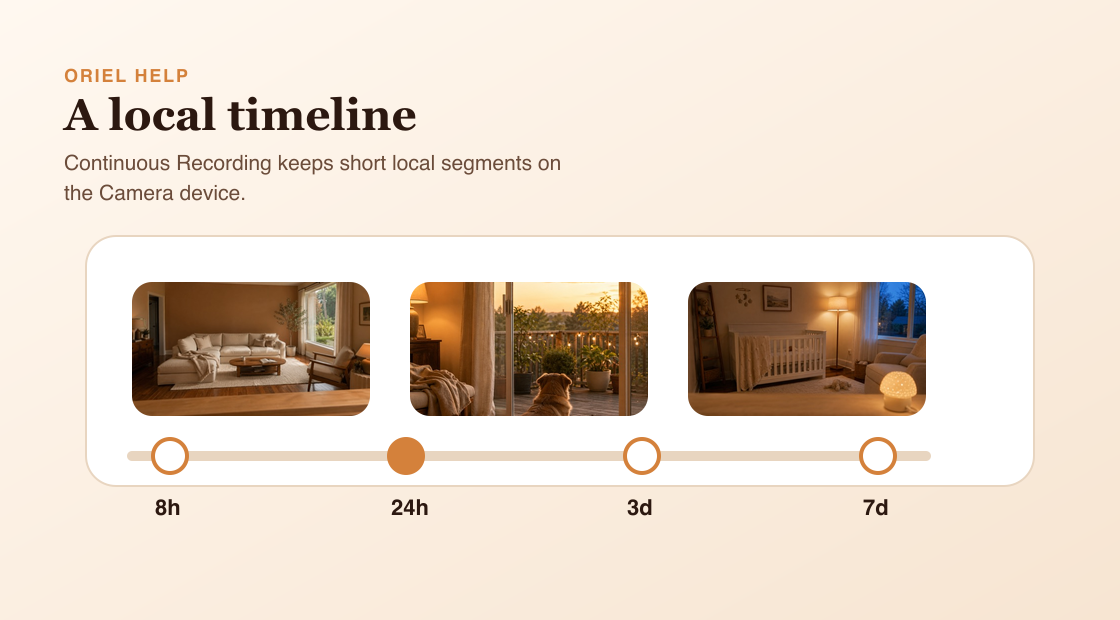
Continuous Recording 會在 Camera device 上保留一段可回看的 video timeline,即使沒有觸發 event 也能往回看。
運作方式
Event recordings 會捕捉由 motion、person 或 sound detection 造成的特定片段。Continuous Recording 範圍更廣:它用短的 local segments 錄下 timeline,並依 retention period 保留。Retention 指的是總可回放歷史長度,不是單段影片長度。
需求
- 在指定 Camera device 啟用 Continuous Recording。
- Camera device 有足夠 local storage。
- Viewer playback 需要連得到 Camera device。
設定步驟
- 從 Viewer mode 開啟 Camera settings。
- 啟用 Continuous Recording。
- 選擇 retention preset。
- 縮短 retention 前請閱讀警告,因為較舊的 timeline video 可能會被移除。
常見誤解
- Continuous Recording 不是 cloud 24/7 recording。
- Retention 是總保留歷史,不是每段 segment 的長度。
- Camera device 無法連線時,playback 可能無法使用。