Help Center
What is Oriel?
Understand Camera mode, Viewer mode, and the basic two-device setup.
Short answer
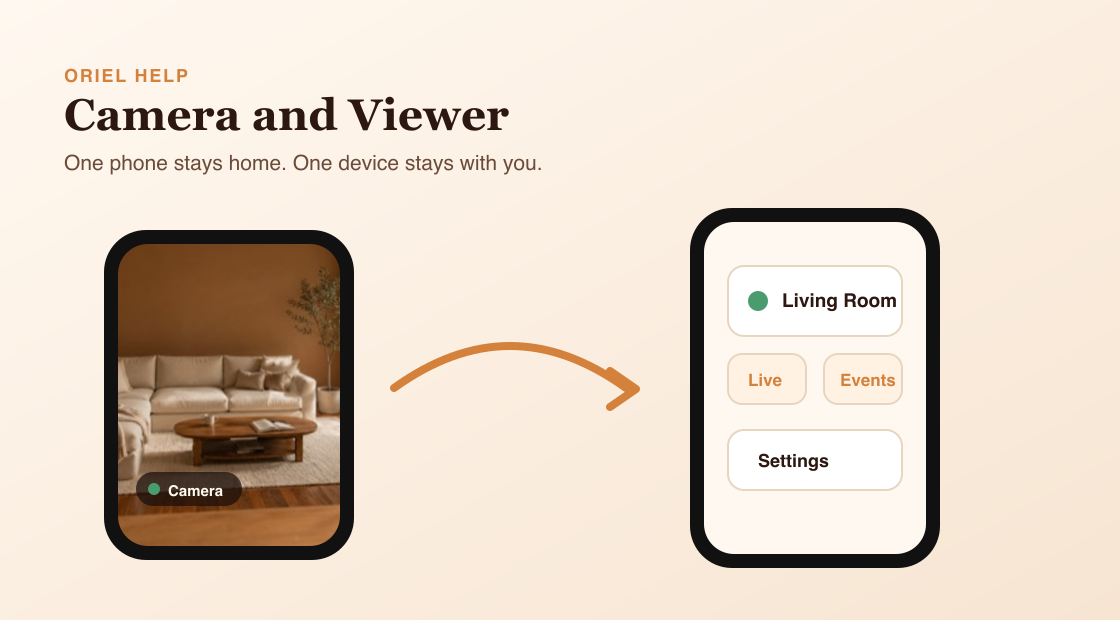
Oriel lets you turn one iPhone into a home camera and use another device to watch it, adjust settings, and review recordings.
How it works
Use Camera mode on the phone you want to leave at home. Use Viewer mode on the device you keep with you. The Camera device handles capture, detection, recording, and Live video. The Viewer device is where you watch and manage what the camera sees.
Requirements
- Two devices: one you sign in on to watch, and one to use as the Camera device.
- One device placed where you want to monitor.
- Camera and microphone permissions when you enable video or audio features.
Setup steps
- Install Oriel on both devices.
- On the device you keep with you, choose Set up viewing phone, sign in, and tap Show QR Code.
- On the device that stays home, choose Set up camera phone and scan the code. It does not need its own sign-in.
- Open the Cameras tab on your viewing phone and select the camera.
Common misunderstandings
- The Viewer device does not run detection for the Camera device.
- Live viewing and recording are separate features.
- Oriel does not require a dedicated security camera. A spare iPhone can become the camera.