Help Center
Sound Detection
How supported sounds become events without uploading audio for analysis.
Short answer
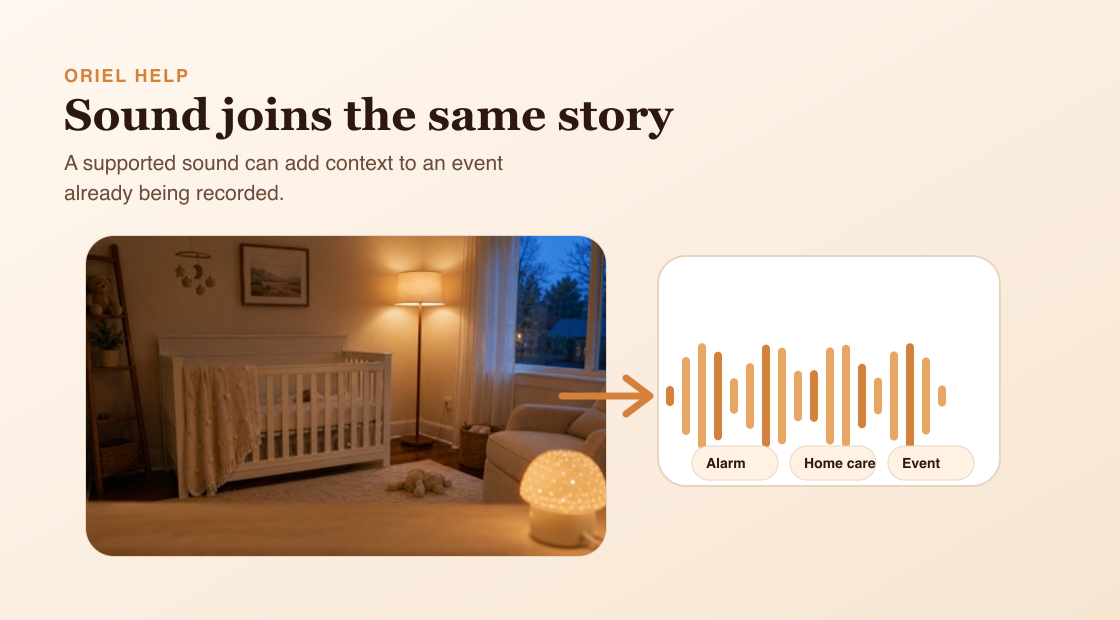
Sound Detection can listen for supported sound categories, such as alarms, intrusion sounds, or home-care sounds.
How it works
If motion or person detection is already recording, Oriel can add the sound signal to the same event. If no event is recording, sound can create its own event. This keeps related signals together instead of creating unnecessary duplicates.
Requirements
- A supported Camera device.
- Sound Detection enabled.
- Sound Detection requires Premium and iOS 15 or later on the Camera device.
Setup steps
- Open the selected Camera device settings.
- Turn on Sound Detection.
- Choose the supported sound categories you care about.
- Keep the microphone area uncovered on the Camera device.
Common misunderstandings
- Sound Detection is not voice recognition.
- Audio is not uploaded for server-side analysis.
- Sound Detection is separate from the Microphone setting.