Help Center
Continuous Recording
How timeline recording differs from motion-triggered events.
Short answer
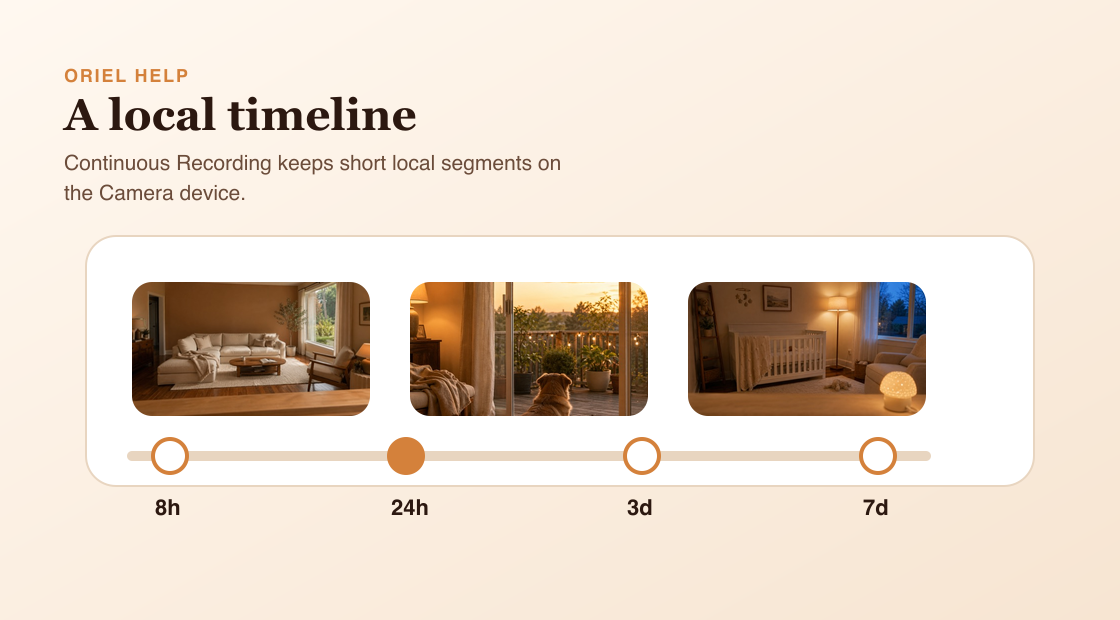
Continuous Recording keeps a timeline of video on the Camera device, so you can look back even when no event was triggered.
How it works
Event recordings capture specific moments caused by motion, person, or sound detection. Continuous Recording is broader: it records in short local segments and keeps them for the selected retention period. Retention means total timeline history, not segment length.
Requirements
- Continuous Recording enabled for the selected Camera device.
- Enough local storage on the Camera device.
- Viewer playback requires the Camera device to be reachable.
Setup steps
- Open Camera settings from Viewer mode.
- Enable Continuous Recording.
- Choose a retention preset.
- Before shortening retention, read the warning because older timeline video may be removed.
Common misunderstandings
- Continuous Recording is not cloud 24/7 recording.
- Retention is total retained history, not the duration of each segment.
- Playback may not work while the Camera device is unreachable.